

What ChalkDraft actually is
ChalkDraft is a guided material generator built for teachers, tutors, homeschool families, and other educators. You choose a learning setting, grade level, subject, subject area, topic, and difficulty, and ChalkDraft drafts the material around those choices — a lesson plan, quiz, test, homework assignment, worksheet, study guide, discussion questions, or a learning activity, each with an instructor copy, a student copy, and an answer key where one applies.
It is not a lesson-planning platform that replaces your curriculum, and it is not a grading system. It is a fast way to get a reasonable first draft of something specific you need next, which you then review and adjust before you use it with students.
How it fits into your week: the five situations below are not the only ways to use ChalkDraft, but they are the ones that come up constantly for classroom teachers — moments where the bottleneck isn't knowing what to teach, it's finding the time to build the material for it.
Put together sub plans in minutes
An unplanned absence is one of the worst times to need a blank-page start. You still have to leave something a substitute can run without you in the room, on top of whatever else the morning already threw at you.

Generate a worksheet, study guide, or set of discussion questions on the topic your class is already covering, print the instructor copy for the substitute along with the answer key, and hand the student copy to the class. It won't replace your own lesson, but it keeps the day connected to what students are actually learning instead of a generic time-filler.
- you're out unexpectedly and need something ready before the first bell
- a planned absence still needs a self-contained activity
- you want the sub plan to stay on-topic, not just quiet the room
Build differentiated worksheets for mixed-level classes
Most classes aren't working at one level. The same topic often needs a version that gives struggling students more scaffolding and a version that pushes advanced students further, and building both by hand usually means one of them doesn't get made.
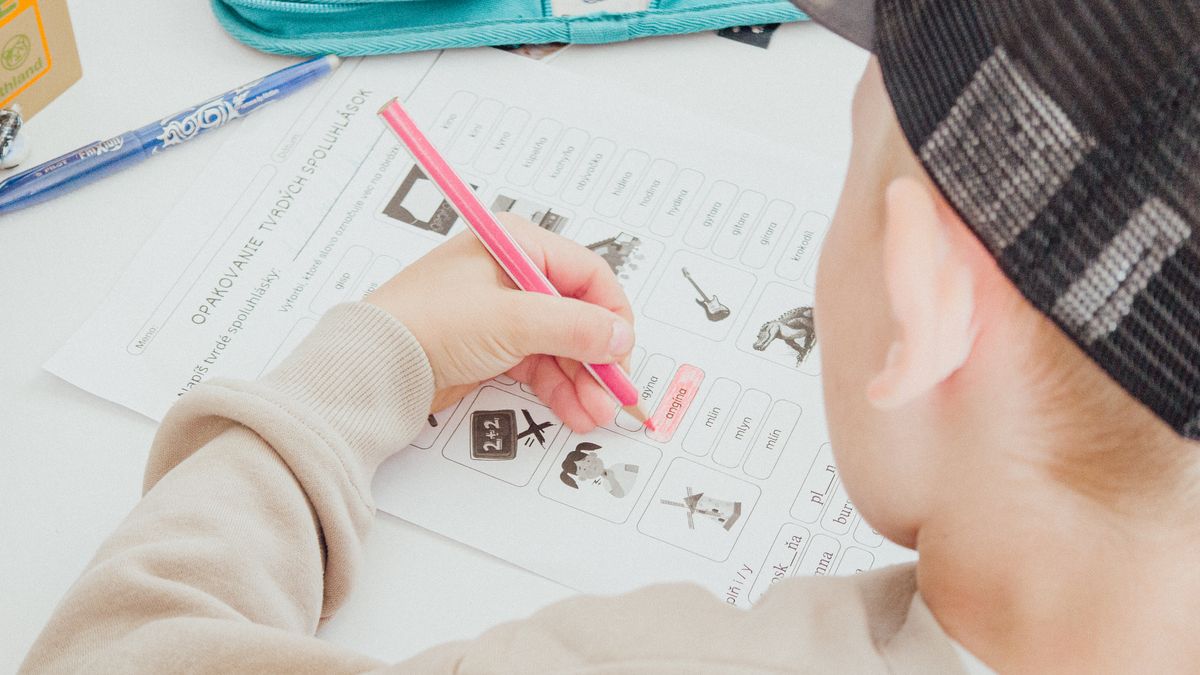
Generate a worksheet on the topic at one difficulty level, then generate it again with the difficulty changed. Both come with their own answer key, so checking either version takes the same amount of time regardless of which student handed it in.
a topic needs a version for students who need more support, an on-level version for the rest of the class, and a stretch version for students who finish early.
Get a fast formative quiz or exit ticket
Knowing whether a lesson landed usually means checking for understanding before students leave the room, not the next morning when it's too late to adjust tomorrow's plan.

Generate a short quiz on today's topic during your last few minutes of planning time, print or share it, and use the answer key to grade it quickly once class ends. A five-question exit ticket tells you far more about tomorrow's lesson than guessing from how the room felt.
- you need a quick check before moving to the next topic
- a test needs a shorter formative version first
- you want an answer key that doesn't need to be written from scratch
 From ChalkDraft
ChalkDraft — pick your choices, get a draft you can use
Every material starts the same way: learning setting, grade level, subject, subject area, topic, and difficulty. From there, ChalkDraft builds the lesson plan, worksheet, quiz, test, homework assignment, study guide, discussion questions, or learning activity — with an instructor copy, a student copy, and an answer key where one applies.
ChalkDraft also supports official state standards for supported states, grades, and subjects, so a generated material can point back to the standard it's meant to support.
Good to use if: you know what you need next — a specific topic, at a specific level, for a specific class — and want a working draft instead of a blank page.
Create a material →Generate standards-aligned homework and practice sets
Practice that doesn't match what a class just learned isn't very useful, but writing new, aligned practice problems for every topic takes time most planning periods don't have.

Select the subject, subject area, and topic — and, for supported states, grades, and subjects, an official standard — and generate a homework assignment or practice set built around it. Review it against what you actually covered in class before sending it home, since a generated set is a draft, not a substitute for your own judgment about your students.
- this week's practice needs to match today's lesson, not last year's worksheet
- you want practice tied to a specific state standard
- a unit needs several practice sets at a similar level in a row
Open class with discussion questions and warm-ups
The first few minutes of class set the tone for the rest of it. A warm-up question or a short set of discussion prompts gives students something to start on immediately, and gives you a few minutes to take attendance or finish setting up.

Generate a set of discussion questions on the day's topic and use two or three as a warm-up, or save the rest for a closing reflection at the end of class. The same set works for either moment, so it's one generation instead of two.
you want a quick way to start or close class around today's topic without writing new prompts from scratch every day.
Before you generate a set of materials
Each of these ideas starts with the same handful of choices. Deciding them up front makes the result closer to usable on the first try.
Decide these first:
- learning setting (classroom, tutoring, or homeschool)
- grade level
- subject and subject area
- the specific topic — not just the unit
- difficulty, relative to this class or student
- material type: lesson plan, worksheet, quiz, test, homework, study guide, discussion questions, or activity
- a state standard, if one applies and is supported
Review whatever ChalkDraft generates before you use it. Treat it as a fast first draft built to your specifications, not a finished lesson — adjust anything that doesn't fit your class, and use your own judgment on grading and accuracy.
Spend less prep time, more teaching time
Pick a grade, subject, topic, and material type, and ChalkDraft builds the draft — with an instructor copy, a student copy, and an answer key where one applies.
Keep exploring
- How to Use ChalkDraft — a walkthrough of the generator, from choices to finished material.
- Sample materials — see finished lesson plans, worksheets, quizzes, and study guides.
- Pricing — the generator is the same on every plan; only how many materials you can make each month changes.